 C'M'ing
1
Post a spot
Type or say it: “coffee at Café Central in 25 min”. Share it with a lobby, with friends, or with a link.
C'M'ing is the quickest way to meet up. Post a spot and a time, friends answer with when they'll arrive, and everyone watches the group come together.
Free. Works in your browser, or install it on Android and iPhone in seconds.
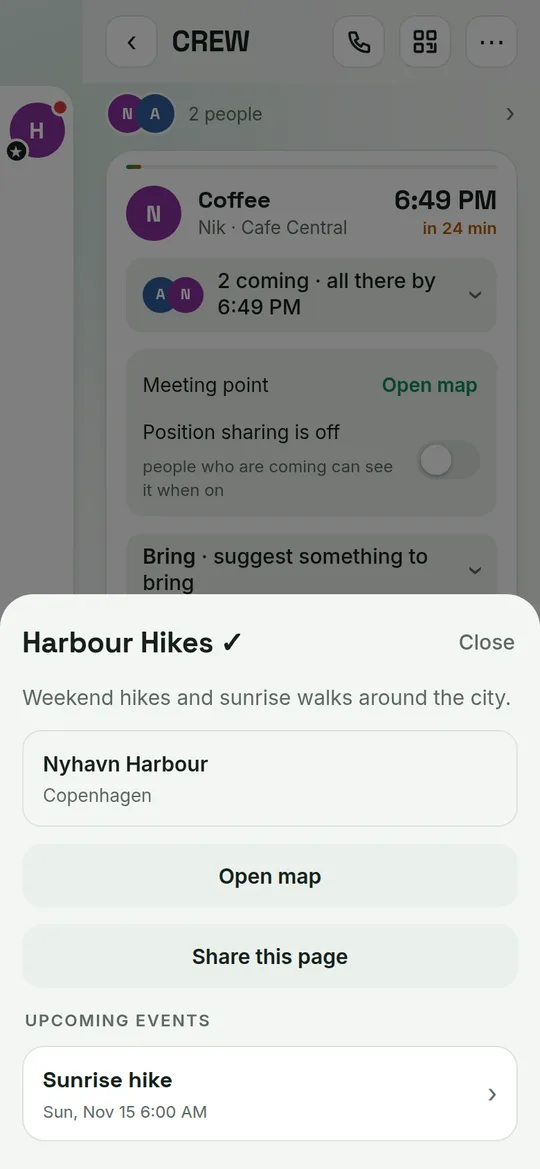
You post a spot: where, when, and what to bring. The people you invite say they're coming with their arrival time, and the card does the rest: who is coming, who is already there, who has left, who is running late, with minutes and distance for anyone sharing their position.
Type or say it: “coffee at Café Central in 25 min”. Share it with a lobby, with friends, or with a link.
Each person answers with an arrival time. You see the whole group on one card, with no scrolling and no “who’s coming?”.
Share your position if you want, get a “leave now” nudge, tap I’m here, and watch it turn into Everyone’s here.
Say where you’ll be and when. Pick who is invited, and they answer with the time they’ll arrive.
Throw an invitation right if you’re coming, left if you can’t. One flick and the host knows.
Send a spot to any chat. The preview shows who is already in, before anyone opens the app.
Add a gather point. Everyone meets there first, taps I’m at the gather spot, then you go as one.
Tell the group when you arrive and when you go. Nobody has to ask where you are.
When two or more of you are there, make a card with the faces and the place, ready to post.
Star the people you meet most. Open a friend, tap Close friend, then filter your list to them.
Know a good place? Photograph it and add it. Friends find it when they plan, and the map grows.
Hear when someone replies, arrives or changes the plan, even with the app closed.
Chats are great for talking. They are terrible for finding out who is actually turning up.
Forty messages later, still no idea.
People reply with an arrival time, not a wall of messages. You can read the plan in two seconds.
Who is coming, who is already there and who is running late, all on one card that updates live.
Sharing is off by default, shown only to people coming to that meet-up, and it stops when you stop.
Call a friend, tap Meet up, pick a place you have both been, and set when you will be there.
Bring-lists with quantities, required gear and fee notes, with everyone’s ticks in one place.
Open a link or scan a QR code, add it to your home screen, and it opens like a normal app.
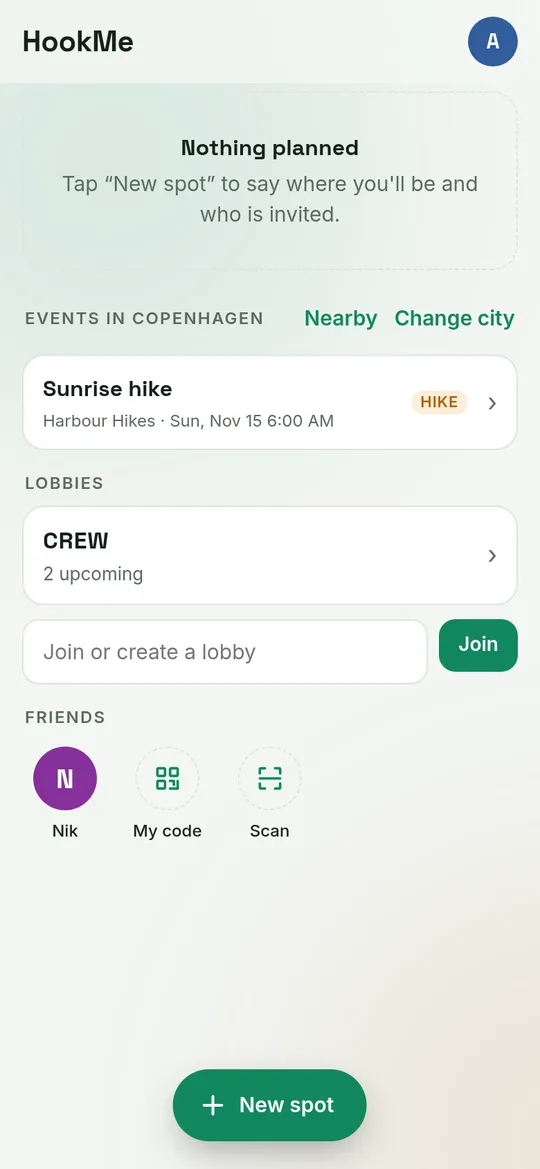
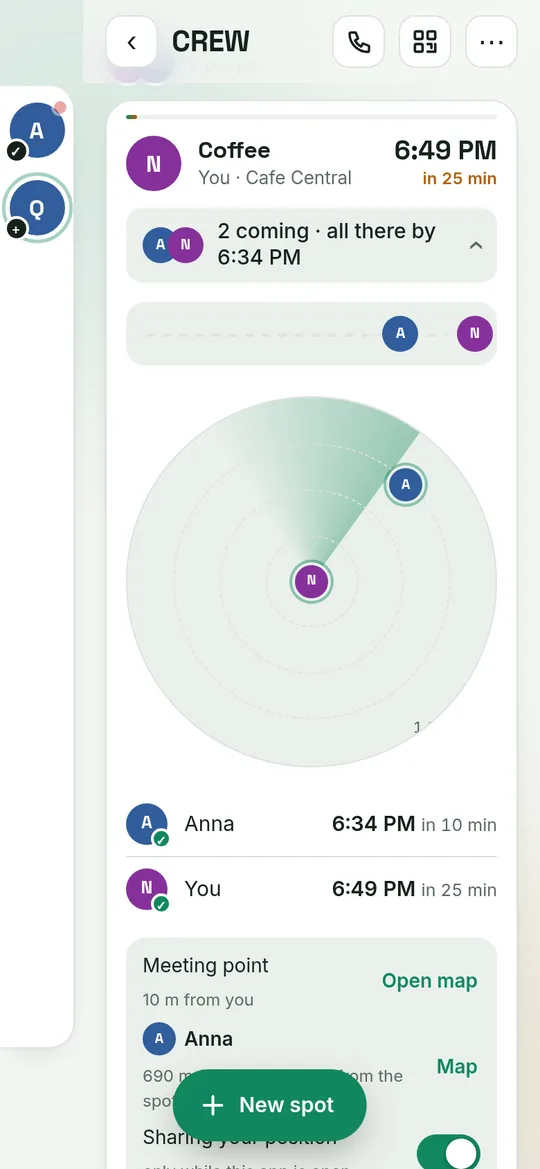
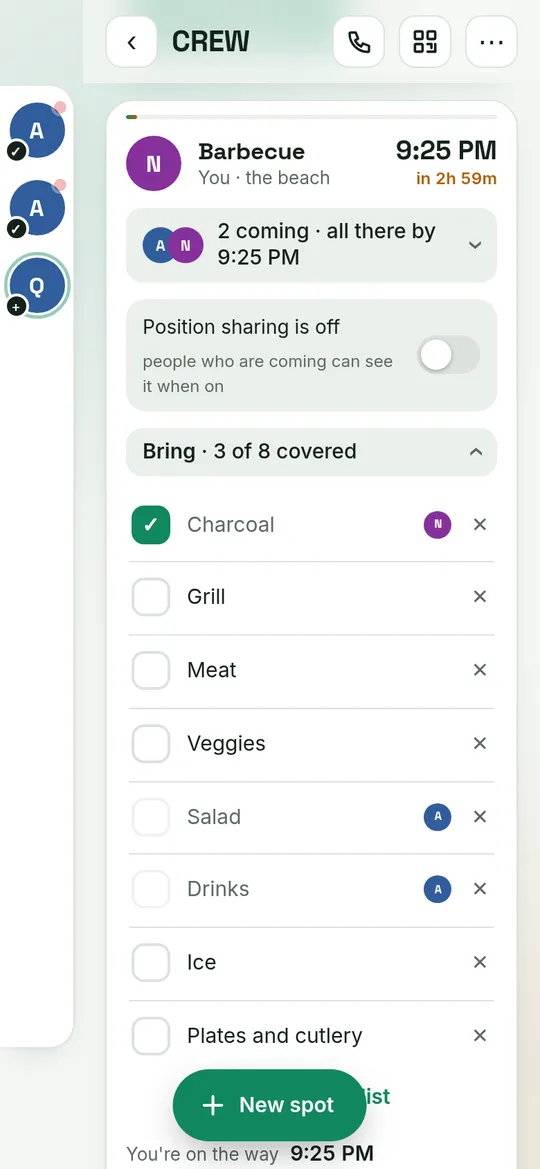
Pick whichever is easiest. They all open the same app and the same account.
The quickest way, on any phone. Adds C'M'ing to your home screen and updates itself.
On Android tap the menu ⋮ then Install app. On iPhone tap Share then Add to Home Screen.
The full Android app, with calls that ring and notifications that arrive even when the phone is asleep.
Download the appAndroid asks you to allow installs from your browser the first time. It then keeps itself up to date: when a new version is out, the app shows New version · tap to update.
 Scan with your phone
Running a club, a venue, a tour or a community? Publish public events people in your city can find and join, without needing to be friends first.
Send your name, city and a link to your website or social page.
We look at every request by hand, so people can trust the organizations they see.
Pin your venue, post your first event and share your page.
Yes, C'M'ing is free to use today.
No. Pick a name and start. If you want to keep your lobbies and friends on any phone, you can add Google sign-in or a username and PIN.
Only people coming to the same meet-up, and only while sharing is switched on. It is off by default, and public events never show positions.
No. If a spot or event has a fee, C'M'ing only shows what to pay and how, and people tick it when they have done it.
Not yet. On Android you can download the app straight from this page, or install it from your browser. On iPhone, add it to your home screen from Safari. It works like an app, including notifications.
The app loads the latest C'M'ing every time, so most improvements arrive on their own. When a new version of the app itself is published, it shows a banner you tap to install. Android always asks you to confirm.
Because the app does not come from the Play Store yet, Android asks you to allow installs from your browser. The file is signed with our key and only changes when we publish a new version here.
Turn them on from the C'M'ing menu. On Android they work from Chrome. On iPhone they work from the home-screen app.
Post a spot, send the link, and let everyone tick in.